
What is an eSIM?
An eSIM is a digital SIM profile that can connect a compatible, unlocked device to a mobile plan without swapping a physical card.
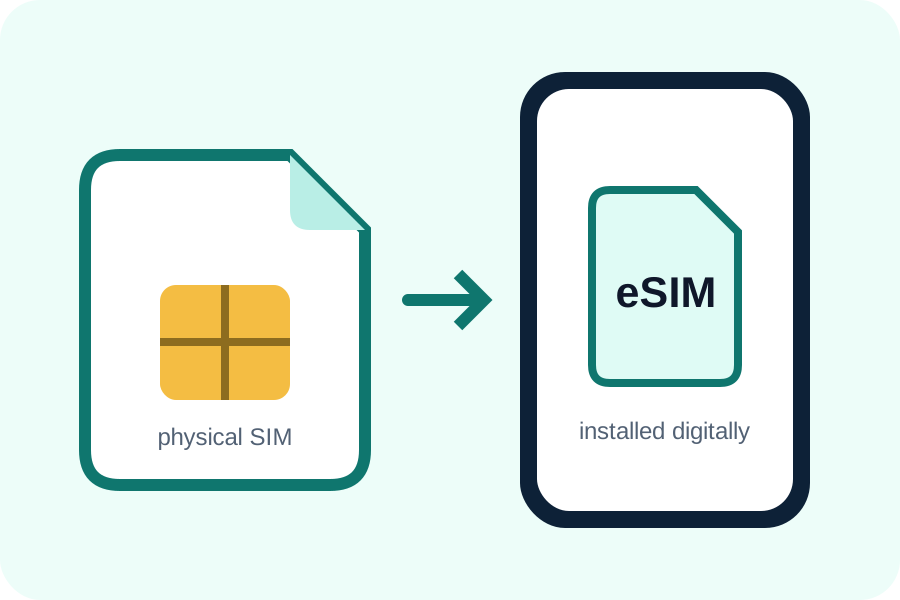
A digital profile, not a separate app
The eSIM is installed in the phone's mobile-network settings using a QR code, activation link or manual details. The plan then appears as another mobile line.
How dual-SIM travel works
A travel eSIM can provide mobile data while the home SIM remains available for calls or messages. You control which line handles data and whether the home line stays active.
From purchase to connection
Choose a compatible plan, save its activation details, install it according to the timing policy, label both lines and enable the required settings at the destination.
What an eSIM does not guarantee
The format alone does not guarantee coverage, speed, a phone number, hotspot support or a refund. Those depend on the selected plan and provider terms.
An eSIM is a downloadable SIM profile
A compatible phone can download a mobile plan instead of receiving a removable card. A travel eSIM commonly supplies mobile data in one or more destinations and can often operate beside the home SIM. Calls, SMS and a local number are included only when the plan says so.
What an eSIM does not prove
The term eSIM does not guarantee that a phone is unlocked, that 5G is available, that a plan includes every country, or that data is unlimited at full speed. Those are separate device, plan and network questions.
Before leaving for your destination, check that the phone is unlocked and eSIM-compatible. Match the plan's your destination coverage, data, validity and hotspot terms to the trip, and save your accommodation address and first transfer offline.
Understand the profile lifecycle
Purchase produces activation information for one plan. Installation adds the profile to a compatible phone. Activation starts service according to the supplier's rule, and validity determines how long it remains usable. Those stages can occur at different times and should not be treated as synonyms.
After validity ends, deleting the expired profile can tidy the device, but deletion during troubleshooting may permanently remove a single-use installation. Keep the profile until support confirms the next step.
Control the home and travel lines
Choose which line handles data, calls and messages. Disable automatic switching when it could trigger home roaming, and understand that bank SMS may still arrive on the home number with carrier-specific charges.
The GoMo route check
GoMo starts with the places on the itinerary, not with the largest number printed on a plan. Confirm every country, the number of travel days and the realistic data need before comparing price.
Keep the chosen eSIM name unchanged from its detail page through the cart. Before payment, check activation timing, hotspot support and any fair-use limit so the plan remains useful after arrival.
Frequently asked questions
Is an eSIM the same as roaming?
No. An eSIM is a SIM format; roaming describes service on another network. A travel eSIM may itself use partner-network roaming.
Do I remove my physical SIM?
Usually not. Compatible dual-SIM phones can keep the physical SIM installed while using an eSIM.